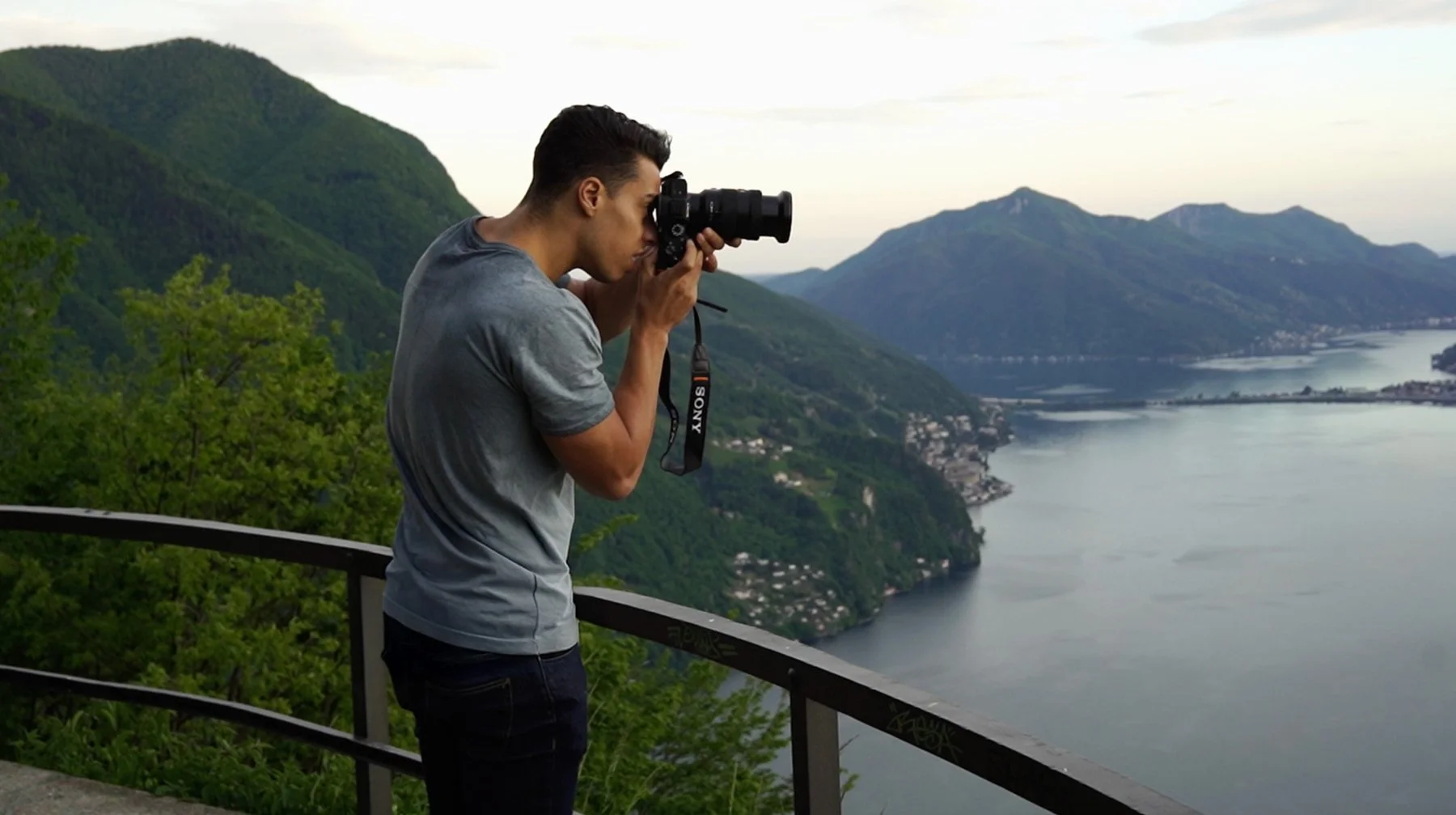
MASTER ADOBE
LIGHTROOM
A 4-week live online course to help you develop a consistent visual style, spend less time editing, and build and organized worflow for your photography.
Join us for a 4-week live online workshop is designed for beginner photographers who want to go beyond simply taking pictures and learn to create photographs with intention.
DATES:
Wednesday, 1 September, 2026
Wednesday, 7 September, 2026
Wednesday, 14 September, 2026
Wednesday, 21 September, 2026
TIME:
10.00 AM - 12:00 PM EST
LOCATION:
Online
CLASS SIZE:
Limited to 10 students

by the end of this course, you will…
✓ Organise and manage your photo library with a clear, efficient workflow.
✓ Spend less time culling and editing, while working more efficiently across an entire shoot.
✓ Edit more consistently, so that all your work feels cohesive rather than a collection of individual images.
✓ Understand the most important Lightroom tools and confidently edit your RAW photographs.
✓ Discover Lightroom’s advanced features, including the new AI-powered features, that will make your life easier and help you create beautiful images.

why take this course
This 4-week live online workshop is designed for serious amateurs and early professionals. Adobe Lightroom Classic is an essential tool for anyone who works with large numbers of photographs, not only to edit your images and achieve the look you want, but also to save significant time when culling and editing, and to build an organised, efficient photo library that will serve you for years to come.
This workshop covers all these aspects, helping you develop a consistent visual style and an efficient workflow for your photography practice. We’ll explore the most important Lightroom settings and features, so you can confidently take a large body of photographs from import to final delivery.
The goal is to make Lightroom a tool that works for you, rather than something complicated that slows you down or gets in the way of your photography. You’ll learn how to achieve consistent results, develop your own visual style, and deliver polished, professional-looking photographs.

what you’ll be learning each week
(CLICK ON THE + ICONS TO SEE MORE)
-
Learn how to set up Lightroom and its most important tools.
Develop an efficient workflow for organizing, reviewing and selecting photographs.
Set up a simple system that works for both personal and client work.
Understand metadata and how to make sure your work will always be protected.
-
Learn the essential editing tools and how they work together
See how a professional photographer approaches editing a series of photographs, and how to apply it to your practice.
Understand things like the histogram, profiles, and presets, and how to use them.
Develop a repeatable editing process that helps you make better decisions and spend less time at the computer.
-
Go beyond global adjustments with Lightroom's masking, selective editing and retouching tools.
Explore colour grading and how it can influence the mood and consistency of your work.
Learn how to make precise adjustments to subjects, skies, backgrounds and specific areas of your photographs.
Start developing a consistent visual style that works across your photographs.
-
Explore Lightroom's newer AI-powered tools and how they can fit into a professional workflow.
Understand how to export your photographs correctly for clients, print, websites and social media.
Create export presets and save time every time you deliver your work
You'll also receive practical assignments, downloadable class notes, and cheat sheets to keep.

what people are saying
“My favourite part was being able to create my own work and receiving real-time feedback from Marco. I loved the homework he gave us.”
“I loved the tone set by the instructors, Lilo and Marco. They were both very supportive, knowledgeable and kind. The other students saw this and were also supportive to one another.”
“I seriously can’t thank you enough! I’m looking at all my old photos again now. You helped me rediscover how fulfilling and creative the editing process can be.”
“Nice diverse group of folks.
Marco was very available and very responsive to providing feedback. His knowledge of the topic was very good.”

your instructor
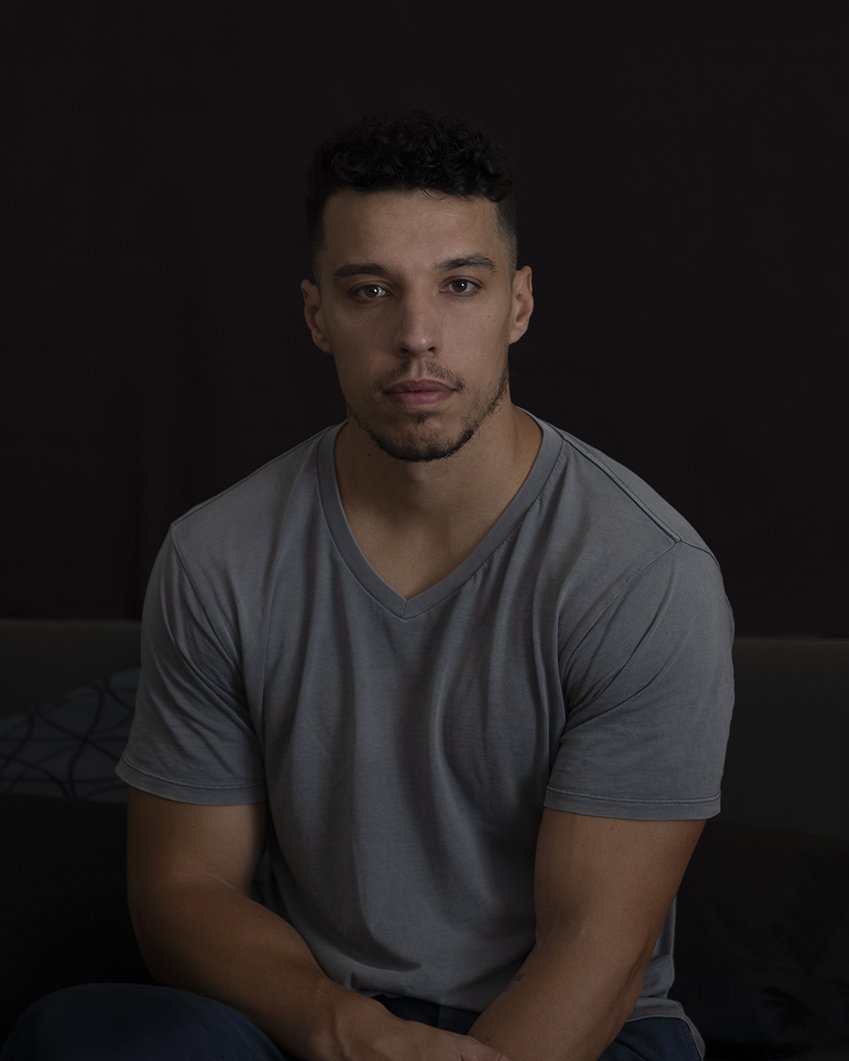
MARCO SERVENTI
Over the course of my photography career, I've been fortunate to work with clients such as The New York Times, The Guardian, and Australian Geographic. My work has also been exhibited in solo exhibitions internationally, including at Head On Photo Festival in Sydney and Photoville in New York.
Like many photographers, my journey has been a mix of self-teaching, formal education, YouTube tutorials and the guidance of generous mentors. But along the way, I realised the biggest breakthroughs didn't come from watching more videos….they always came from practising, sharing my work with others and receiving thoughtful feedback.
That's why I created this live workshop: to create a learning environment where you can build your skills and confidence through hands-on practice, personalised feedback and a supportive community.
what makes this course different?
2. PERSONAL, REAL-TIME FEEDBACK
Work with your own photographs, ask questions, and get real-time feedback throughout the course.
1. GUIDED LEARNING
With weekly live sessions, you'll stay motivated and make steady progress instead of getting stuck in endless YouTube tutorials or trying to figure out everything on your own.
3. LEARN A REPEATABLE WORKFLOW
This course doesn’t just talk about how to use individual tools. You’ll learn a professional workflow that helps you stay organised, consistent and efficient.
4. A SUPPORTIVE COMMUNITY
Photography is more enjoyable (and you improve faster) when you learn alongside others who share your passion.
Join us for a 4-week live online workshop is designed for beginner photographers who want to go beyond simply taking pictures and learn to create photographs with intention.
FAQs
-
This workshop is designed for enthusiastic amateurs and early professionals who want to become more confident and efficient with Adobe Lightroom Classic.
It's particularly useful if you:
Photograph regularly and have a growing archive of images.
Shoot weddings, families, sports, events, or similar work.
Have never used Lightroom Classic, or taught yourself but feel like you're only scratching the surface.
Find yourself spending too much time editing.
Want more consistency across a shoot or body of work.
-
You'll need:
A computer capable of running Adobe Lightroom Classic.
Adobe Lightroom Classic software downloaded to your computer and an active subscription. Get Lightroom Classic here.
A selection of your own photographs to work with during the workshop.
-
The live classes will be facilitated through Zoom Video Conferencing software (available for free at Zoom.com). You will receive instructions on how to access before the start of the course.
-
Alongside the live sessions, you'll receive weekly assignments to practise what you've learned. We recommend setting aside at least one hour per week to practice what you’ve learned.
-
Plans change, I get it. Here’s how cancellations work: if you cancel more than 25 days before the workshop, you’ll receive a full refund, minus a $50 processing fee. For cancellations between 12 and 25 days before the workshop, you’ll receive a 50% refund. Cancellations less than 12 days before the workshop are non-refundable.